

MessagePay®
Making a loan payment has never been easier.
MessagePay: Your Quick Loan Payment Solution
Life can get busy, and sometimes loan payments are missed. To help you avoid late fees, we're excited to introduce MessagePay, a handy tool to help you make an instant payment right from your text message app.
Easy Mobile Payments
MessagePay transforms how you handle your loan payments with us. This cutting-edge platform enables you to initiate payments swiftly from your mobile device through a simple text message, leveraging any external bank account. It’s the ideal solution for ensuring your payments are on time, especially when you’re down to the wire.
Stay Ahead of Late Fees
With MessagePay, you're not just making a payment; you're taking an intelligent step to save money and keep your account in good standing. The $6.00 convenience fee applied to each loan payment via MessagePay is a cost-effective alternative to a higher late fee, providing you with peace of mind and financial flexibility when needed.
How MessagePay Works
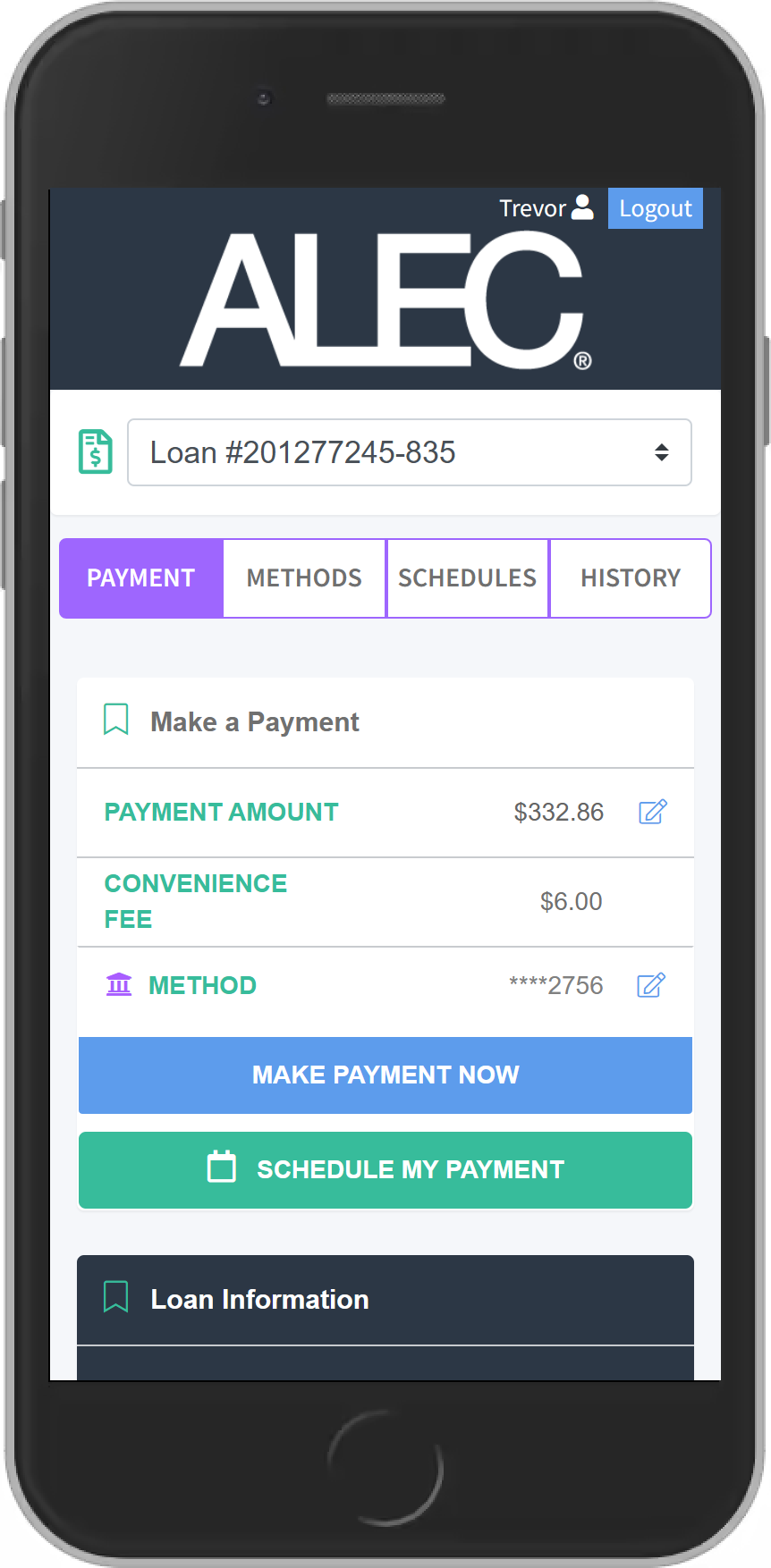
Once you sign up for MessagePay, you'll get a text message with a link informing you of the amount due on your loan.
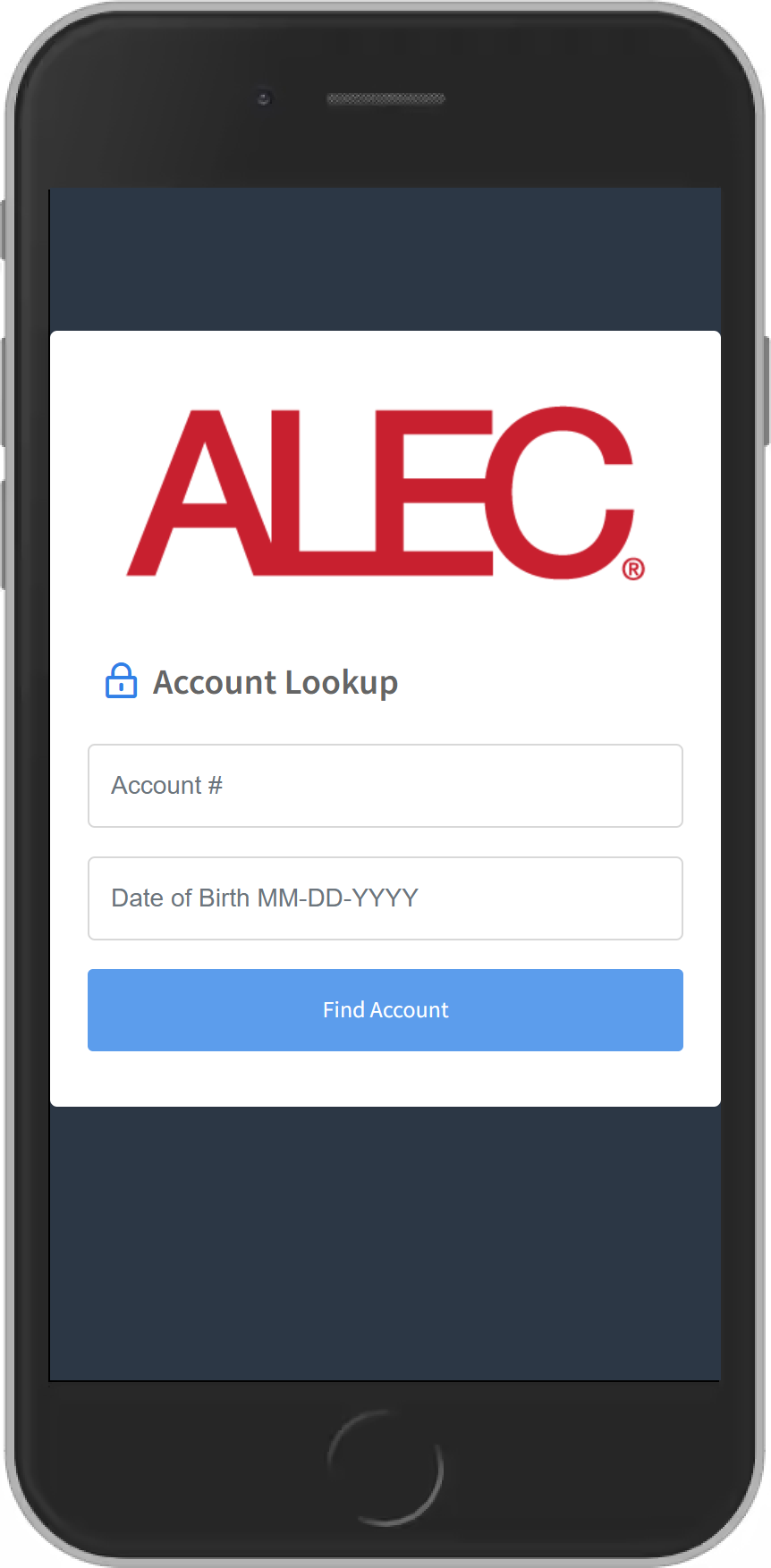
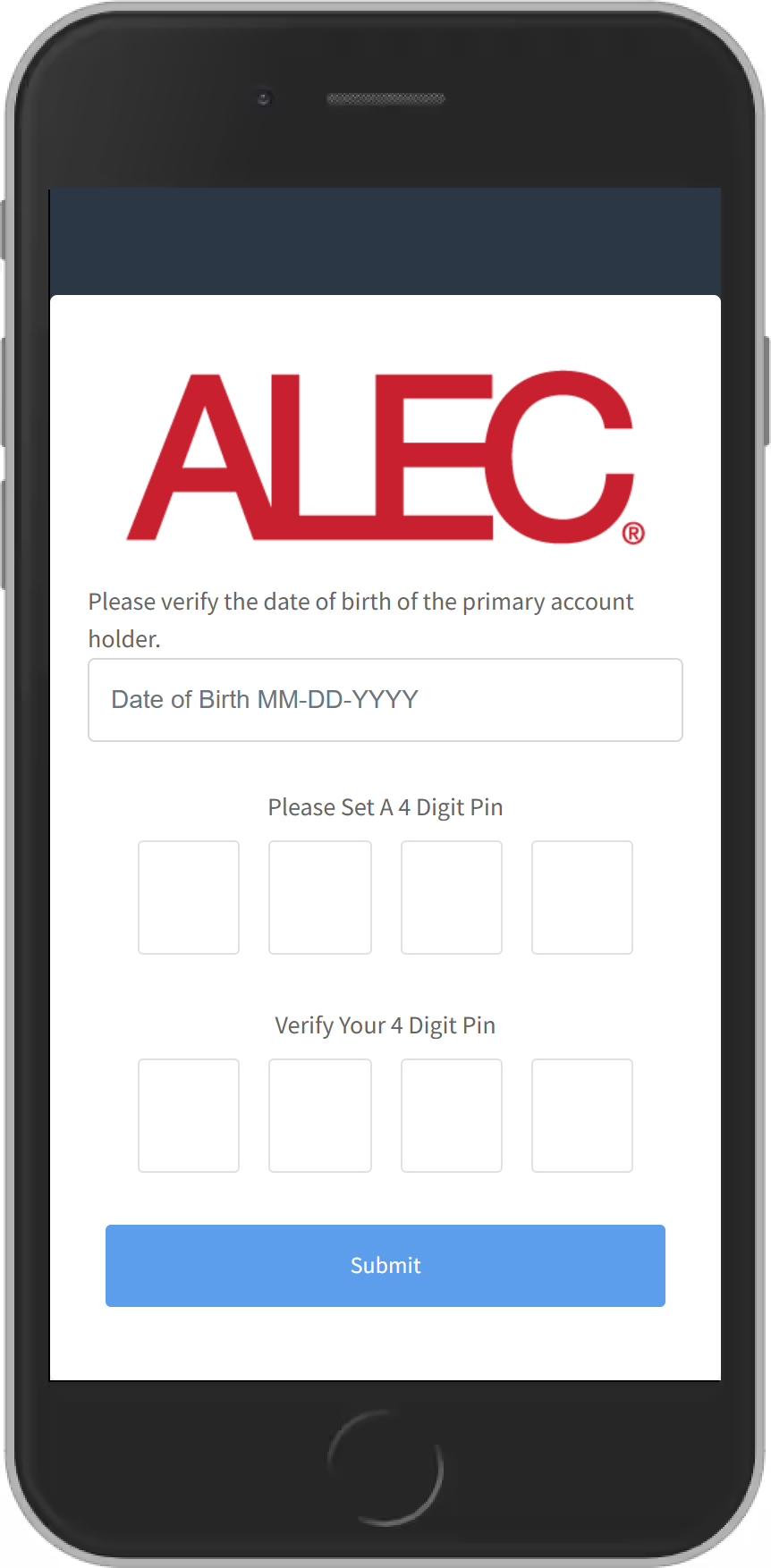
You’ll be able to review your payment options, or you can opt out of our text message service by texting “STOP.” The link will take you to a portal where you will be asked to verify your account and set up a PIN. Your PIN will allow you to easily verify future payments.
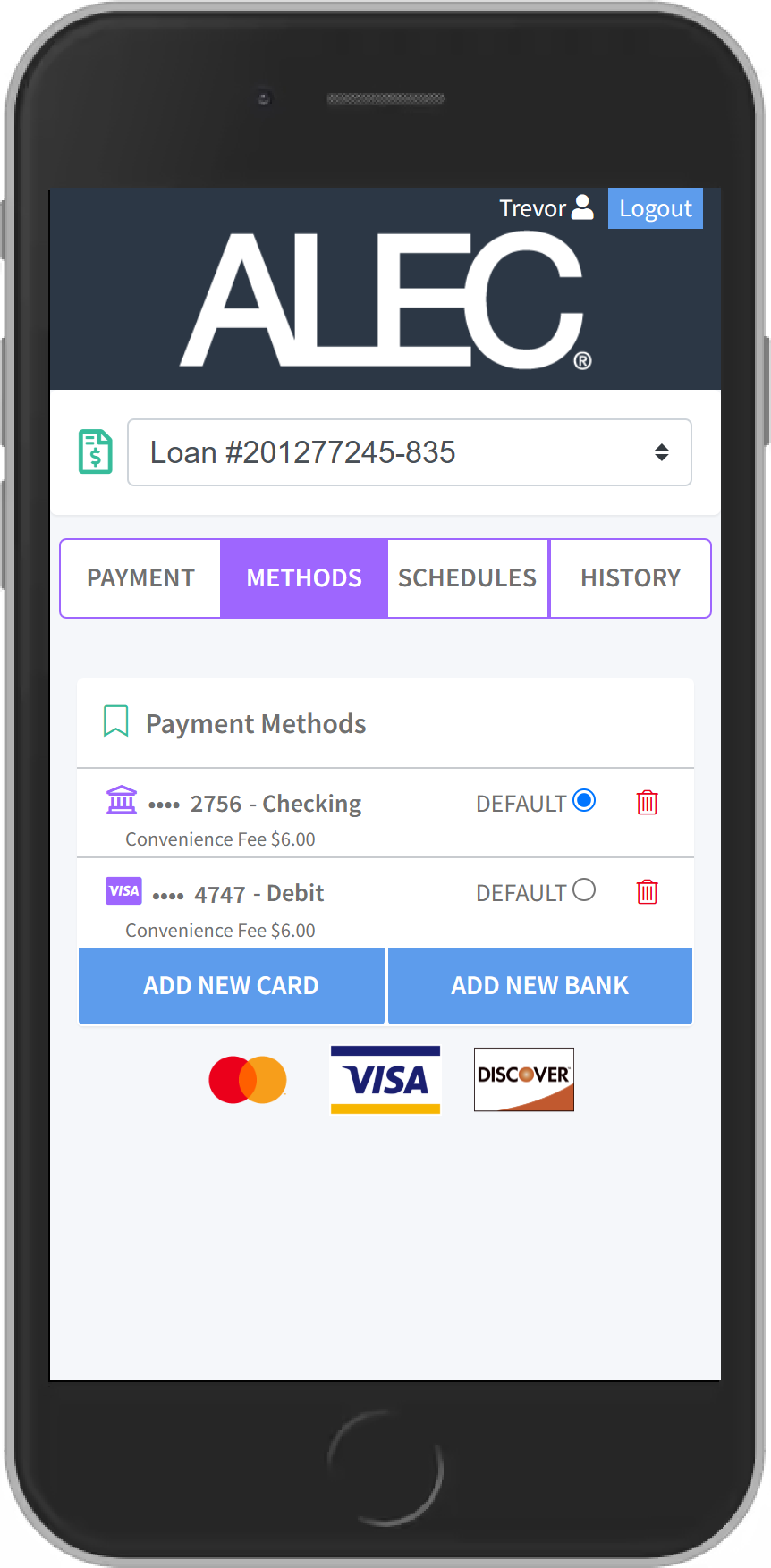
When you verify your account for the first time, you'll also be able to set up a preferred method of payment. You can do this by selecting "Add New Bank Account" which will prompt a secure website for you to input your information. If completed successfully, there will be a message stating "Payment Method Success" and you'll be redirected to the payment portal. Payments can be made using a debit card or ACH payment via your bank account.


MessagePay Benefits
- Convenient ways to pay from an external account: text message, website, and online or mobile banking.
- Payments accepted from savings accounts, checking accounts, and debit cards.
- Encrypted information guarantees your information is secure.
- The convenience fee to use MessagePay is only $6.00.
MessagePay FAQs
MessagePay is another way to pay your ALEC loan using a non-ALEC account or debit card. You can authorize payments via text message after you sign up, or through the MessagePay portal website using your smartphone, tablet, or computer.
To enroll in MessagePay, click here and enter the required information in the MessagePay Portal.
There is a convenience fee of $6.00 per loan payment. This helps us cover our costs to provide the service.
You can receive a payment notification in two ways – either when an ALEC staff member pushes the notification after you call in, or by opting in to notifications after you sign up for MessagePay. Once you opt-in and set up notifications, you’ll receive an automated message notifying you of upcoming loan payments. This notification will go out (10) ten days prior to the due date, as well as (10) ten days after the payment due date if no payment is received. You will receive these automated messages as long as you don’t opt out of receiving them.
Yes. You can make fee-free payments within Online and Mobile Banking by setting up a transfer of funds from your ALEC account or an external account – but you won’t receive any automated payment reminders via text message. You can still make payments via MessagePay by visiting the payment portal and have the payment post nearly immediately.
MessagePay is designed for making payments from external accounts or by using a debit card. You can use your ALEC debit card to set up a one-time payment through MessagePay. Alternately, you can transfer funds from your ALEC account from within Online and Mobile Banking.
It’s not required to set up MessagePay if you already have automatic payments set. You can sign up for MessagePay to receive payment reminders, and to have the convenience of making an instant payment for moments when life gets busy.
There is a convenience fee of $6.00 for payments made with MessagePay. We still offer fee-free payment methods via Online and Mobile Banking. For a full list of loan payment options, visit our Loan Payments page.
No. Only checking accounts, savings accounts, and debit cards are accepted by MessagePay.


